
Why Drone Bids Get Disqualified: Screens You Never Saw
Table of Contents
- Why Drone Bids Get Disqualified: The Screens You Never See
- The Drone Procurement Checklist: Pass/Fail Screens Before Scoring
- Drone Bid Document Requirements: Forms, Certifications, and Deadlines
- Frequently Asked Questions
Last Updated: October 5, 2026
Why Drone Bids Get Disqualified: The Screens You Never See
A response comes back with no award and no explanation. The pricing was competitive. The flight experience was there. What killed it was a screen the operator never saw, applied before anyone read the numbers. This covers why drone bids get disqualified, and what to fix before the next submission.
Procurement evaluates in two stages. First, a pass/fail screen against mandatory requirements. Only responses that clear it get scored. Losses happen at the screen, not the scoring.
Federal Acquisition Regulation, Part 15 contracting by negotiation
The Drone Procurement Checklist: Pass/Fail Screens Before Scoring
A drone procurement checklist separates mandatory pass/fail items from scored criteria. Mandatory items are binary. Miss one and the response is non-responsive, no matter how strong the rest is.
The screens that eliminate drone bids:
- Accuracy stated without a method. An accuracy number nobody could reproduce fails the technical screen.
- QA described as a value instead of a documented procedure.
- Deliverables listed as a sensor spec, not tied to the end use.
- No stated data custody or retention position.
- A certificate number offered as a safety program.
- One missing form or certificate at the submission deadline.
- A one-person operation described as a company, with no continuity plan.
- A project quote submitted against a program requirement.
Build your pre-submission checklist from the solicitation, not from memory: every mandatory form present and signed; accuracy stated with method and RMSE reported separately for horizontal and vertical; QA written as a procedure with named steps; deliverables mapped to the stated end use; data custody and retention answered in writing; safety and regulatory evidence attached as a program, not a number; capacity and continuity addressed; pricing built for the contract vehicle, not a one-off project.
Drone Bid Document Requirements: Forms, Certifications, and Deadlines
Drone bid document requirements fall into three groups: forms, certifications, and submission mechanics. Each is pass/fail. Each can disqualify a technically strong bidder on its own.
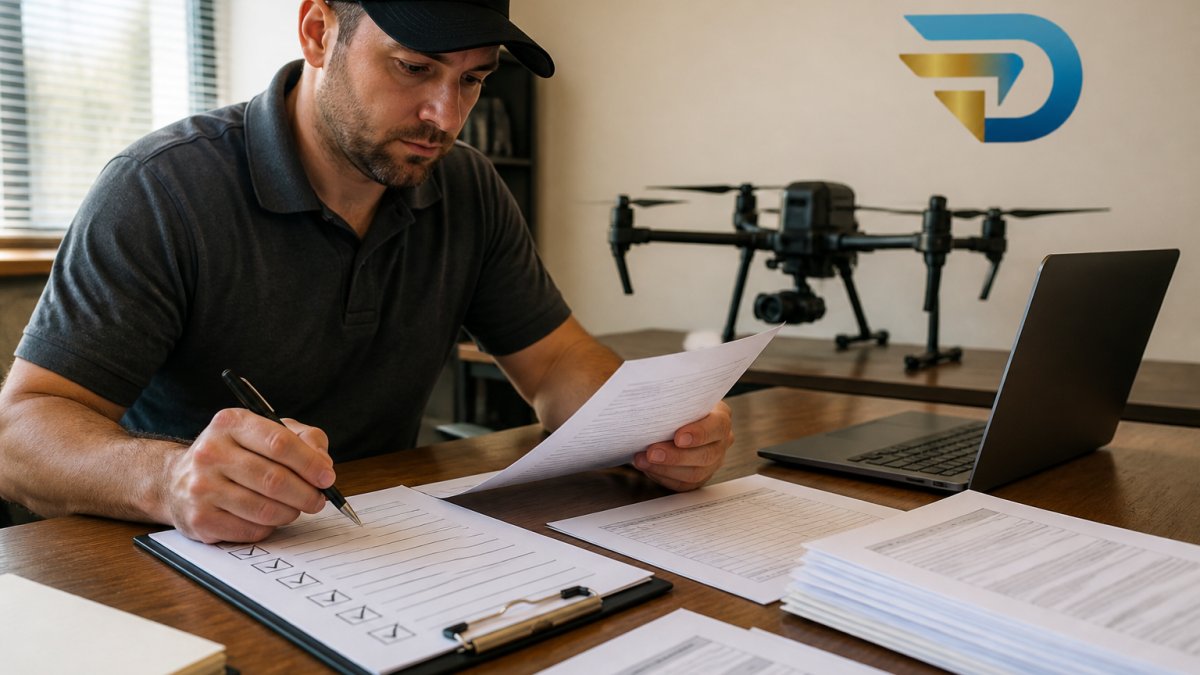
Forms and declarations come first: bidder eligibility, signed certifications, and authorized dealer or supplier status if required. A form present but unsigned is still missing.
Technical specifications come next. State accuracy tied to method. Name the standard you report against, such as ASPRS positional accuracy classes and NSSDA. Report RMSE separately for horizontal and vertical. A single accuracy figure with no method is the fastest way to fail the technical screen.
Submission mechanics close it out. Note the delivery method, whether electronic transfer is required, and the exact deadline. Watch for single-bid and duplicate-submission rules. A duplicate bid submitted to correct an earlier error can itself trigger disqualification.
| Screen | What it checks | Fix |
|---|---|---|
| Eligibility | Bidder qualifications, authorized dealer status | Attach proof, not a claim |
| Technical | Accuracy tied to method, specs met | Name the standard, report RMSE by axis |
| Documentation | Forms, declarations, certifications | Checklist every required item |
| Submission | Deadline, delivery method, duplicates | Submit once, confirm receipt |
If you are disqualified or need clarification, ask in writing. Request the specific reason and whether a clarification is allowed. Some solicitations permit a clarification window; many do not. Confirm the process with counsel.
Frequently Asked Questions
Why do drone bids get disqualified?
Most drone bids get disqualified before pricing is opened, because they fail a pass/fail screen the operator never saw. A missing form, an accuracy number with no method behind it, or a certificate offered in place of a safety program will end the response. Procurement evaluates compliance first and cost second, so a strong price on a non-responsive bid is never read.
What makes a bid non-responsive?
A bid is non-responsive when it does not meet the mandatory requirements exactly as written. That includes missing required documentation, failing to sign a declaration, submitting past the deadline, or sending the response through the wrong delivery method. Non-responsive bids are removed from evaluation entirely. Check every mandatory requirement against your submission before it goes out, because there is no second chance after the deadline.
What documents should a drone bid response include?
At minimum: the signed forms and declarations the solicitation names, proof of eligibility and any required certifications, insurance certificates, and a technical section that ties accuracy claims to a stated method. Use a drone proposal compliance checklist to confirm each item is present, signed, and current. One missing certificate at the submission deadline is enough to disqualify the bid, and deadlines are rarely extended for that.
Most operators lose enterprise work on the response, not the price. If your bids keep getting screened out before anyone reads them, The Drone Strategist can help. Our free Disqualification Checklist walks through the eight screens and shows you exactly what to fix. Download it and change one thing in your next submission.
